Find Missing Song Metadata with Mp3tag Filters
At a glance
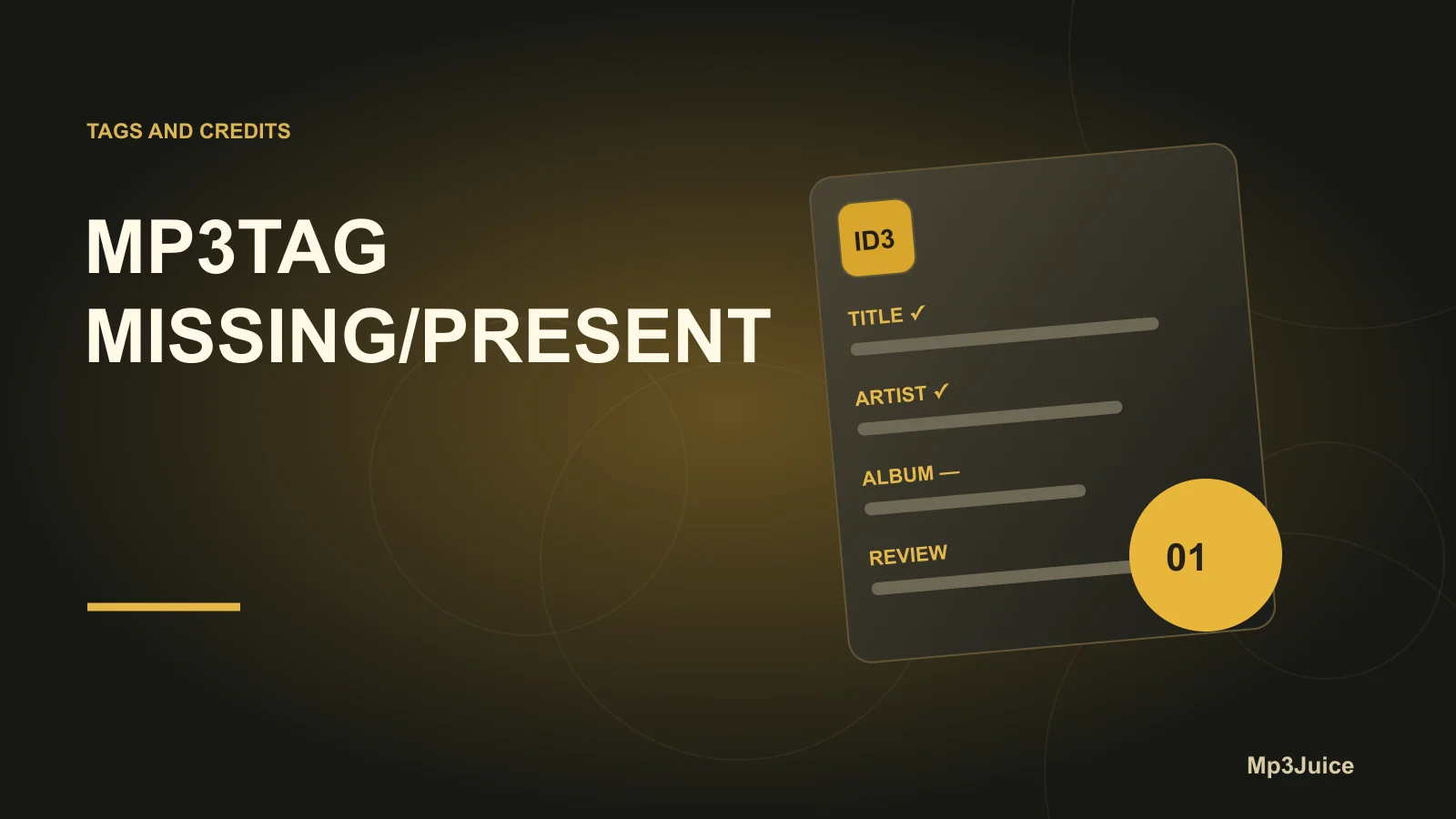
Mp3tag's filter feature allows you to quickly find music files missing critical metadata fields such as title, artist, or albumartist. By combining MISSING and PRESENT filter operators, you can safely display, inspect, and batch-edit small groups of tracks. Practical strategies include copying tags or extracting information from filenames, ensuring targeted corrections with minimal risk to your collection.
In this guide
Mp3tag provides a powerful filtering system to help identify and resolve missing song metadata, drastically reducing time spent managing large music libraries. The filter feature uses straightforward syntax and logical operators to display only those tracks that lack vital tag fields such as title, artist, or albumartist. By utilizing targeted filters and working in small, verified selections, you greatly minimize the risk of overwriting correct information and can deploy practical bulk fixes when appropriate.
Filter basics and where to start
Access the filter function in Mp3tag via View → Filter or keyboard shortcut F3. Typing a filter expression instantly narrows the File List to items matching your criteria; clearing it reverts to the full view. The filter’s helper menu (►) provides an Auto-apply filter option, letting you choose between instant filtering as you type or applying after pressing Enter. This flexible interface encourages quick investigation without risk to file data, since filtering never deletes or edits tracks.
Quick filters to see missing tags
To focus on files lacking essential metadata fields, use the following filter expressions directly in the filter box:
title MISSING– Shows all tracks with an empty or absenttitlefield.artist MISSING– Reveals tracks missing theartisttag.albumartist MISSING– Filters for files wherealbumartistis not set.title MISSING OR artist MISSING OR albumartist MISSING– Combines criteria to list tracks missing any of these fields.
Applying and adjusting these filters does not alter your files—only which are visible in the File List. This safe approach supports extensive experimentation to pinpoint gaps.
Triage: group, inspect, then fix
For best results, work within manageable groups to ensure you only correct files with similar metadata needs. Here’s a robust triage workflow:
- Apply a targeted filter, such as
albumartist MISSING. - Sort the filtered File List by Filename or Directory to surface patterns—files from the same release or source will often cluster together.
- Use the tag panel or column view to inspect listed tracks, confirming whether fields are genuinely empty or simply stored differently (for example, information in
artistrather thanalbumartist). - Select a small, consistent group (typically 5–20 tracks) that share a clear correction strategy. This controlled approach reduces the chance of accidental overwrites.
Practical repair strategies
- If
albumartistis missing butartistis present and correct, use Convert → Tag - Tag to copyartistvalues toalbumartistfor your selection, ensuring uniform tag population. - For files lacking
titlewhere the filename holds the song name, employ Convert → Filename - Tag with the appropriate format string. This draws titles directly from filenames, automating what could otherwise be tedious manual input. - If multiple correction types are necessary, split selections accordingly and apply only one fix to each group. Avoid editing large, diverse selections in a single step.
Before committing changes, review your selection in Mp3tag’s tag panel or main File List. This preventative check catches inconsistencies before they propagate.
Using PRESENT to verify and exclude
Filters aren’t just for missing fields; the PRESENT keyword shows files where tags already exist, enabling precise bulk edits and safeguarding completed metadata. Examples include:
artist PRESENT– Finds all tracks with a filledartisttag.artist PRESENT AND albumartist MISSING– Useful for copyingartistvalues only to tracks without analbumartistfield.NOT title PRESENT– Equivalent totitle MISSING; filters out tracks already containing atitle.
With these filters, you can efficiently isolate and correct only those files that require attention, minimizing the risk of redundant or unnecessary edits.
Verification and read-only investigation
Before proceeding with bulk changes, verify your method by testing it on a read-only copy or a small sample. You can copy relevant directories into a safe workspace and load them in Mp3tag, or simply select a handful of files to trial your actions. Preview conversion results in the relevant dialog windows and double-check tag panel fields. This reduces surprises from inconsistent data structures, especially when filenames or tag contents are irregularly formatted.
Example: A practical repair workflow
Scenario: Your library contains mixtape tracks missing thealbumartistfield, but the correct performer is stored inartist. 1. Filter: Applyalbumartist MISSING. 2. Inspect: Group 10 tracks from the same folder; confirmartistis the right value. 3. Action: Select them and use Convert → Tag - Tag to copy %artist% to %albumartist%. 4. Verify: Check a few edited tracks in the tag panel before proceeding to the next group.
Filter syntax notes
You can build more advanced expressions using AND, OR, NOT, and parentheses. For fields or strings containing spaces, enclose them in double quotes, e.g., artist IS "Hidden Orchestra". The keywords HAS, IS, and MATCHES facilitate additional criteria, though for missing or existing tag checks, MISSING and PRESENT suffice.
Further tips for effective tag management include ensuring non-Latin metadata stays readable and preserving detailed credits. For more guidance, explore the internal articles Keep Non-Latin Song Tags Readable and Edit Extended Tags Without Losing Song Credits.
To begin improving your metadata, open Mp3tag, hit F3 for the filter bar, and try filtering with title MISSING OR artist MISSING OR albumartist MISSING. Examine a small, similar set of files and assess whether field copying or filename-based title extraction is the best route for your needs.