What an ISRC Can Tell You About a Song
At a glance
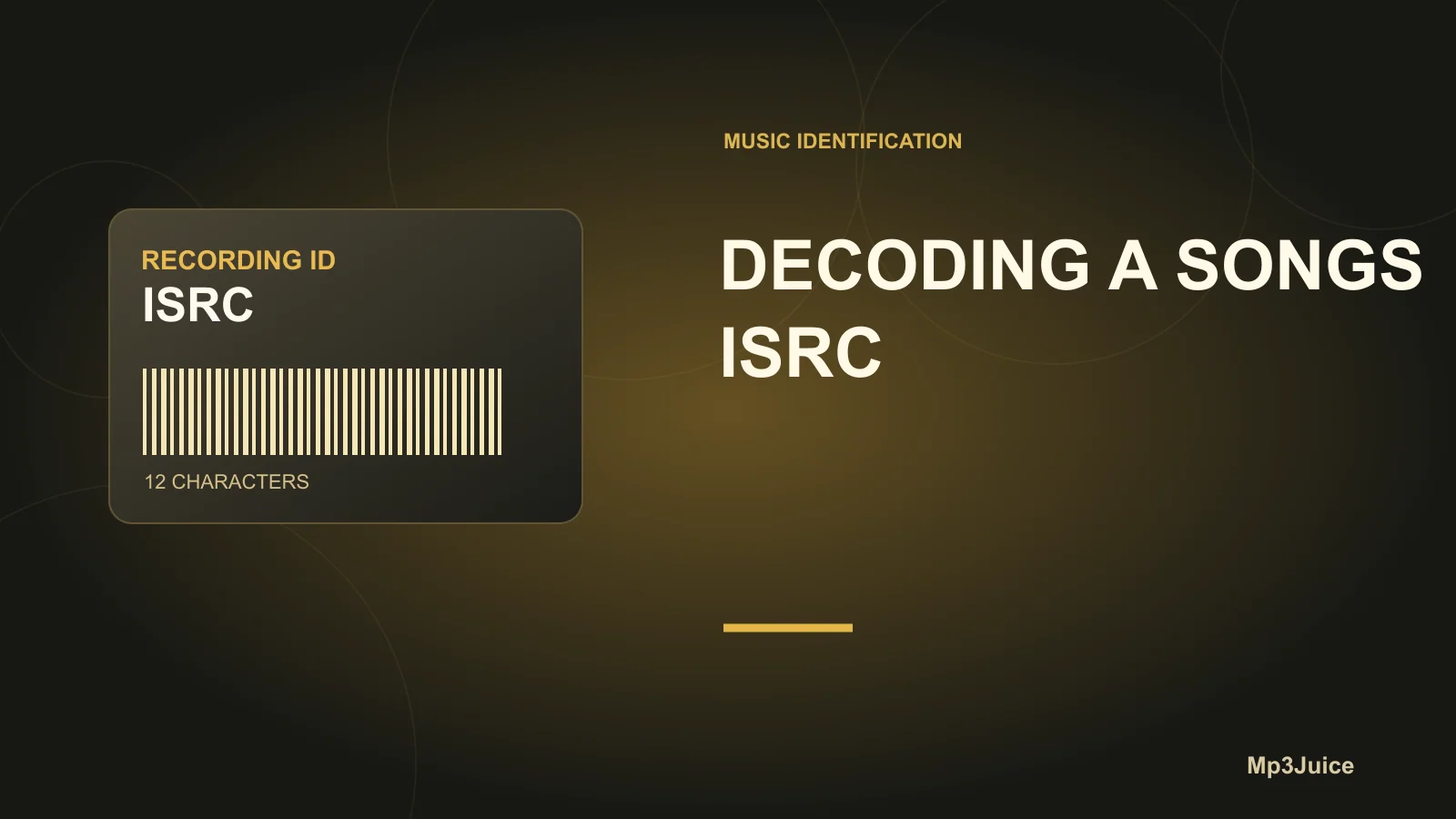
An ISRC is a unique, 12-character code that identifies specific sound recordings or music videos. While not a download link or copyright proof, it helps distinguish versions of a track in digital libraries. ISRCs work best when paired with other metadata for cataloging, duplicate checks, and rights research. Supported by music tag editors and industry standards.
In this guide
What is an ISRC code?
An International Standard Recording Code (ISRC) is a 12-character, permanent unique identifier assigned to individual sound recordings and music videos. ISRCs do not serve as links to download audio or prove copyright ownership. Instead, they are essential for reliably distinguishing one specific recording from another in global music databases, even when song title and artist are identical. Codes such as ISRC AA6QZ2000047 embedded in a track's metadata are the industry standard for pinpointing a recording’s identity worldwide.
- Each ISRC is always exactly 12 alphanumeric characters, typically shown with the
ISRCprefix for clarity. - The code is divided into country, registrant, reference year, and designation components for easy tracking across releases.
How an ISRC is constructed
The ISRC structure’s uniformity allows industry-wide recognition and catalog management. Consider ISRC AA6QZ2000047 as an example:
- Prefix code (AA6QZ):
- The first two characters indicate the country or local ISRC agency responsible for allocation. For instance,
AAcould reference a specific national agency. - The following three alphanumeric characters are unique to the particular registrant (such as a label or rights holder).
- The first two characters indicate the country or local ISRC agency responsible for allocation. For instance,
- Year of reference (20):
- This two-digit section shows the year when the ISRC was assigned (here, 2020). It is not automatically the recording or release date; rather, it denotes the year of code allocation only.
- Designation code (00047):
- The final five digits provide a unique sequence number within the registrant’s annual catalog.
This structured approach means each different recording—studio version, remix, edit, or live performance—receives a distinct code, even if the other metadata is almost identical. That separation helps prevent confusion in large music archives.
Interpreting an ISRC alongside song metadata
An ISRC by itself is not enough to reveal a recording’s public information, like the artist, song title, or release date. However, when viewed as part of a file’s metadata—typically within a music player or tag editor—it makes identification far more accurate. In most digital music libraries, especially those composed of files purchased or distributed through official channels, ISRCs are visible and can be matched against other tags.
For example:
- Title: "Night Drive"
Artist: Clara Vega
ISRC: US1232000100 - Title: "Night Drive"
Artist: Clara Vega
ISRC: US1232022102
The difference in ISRCs proves these are separate recordings—perhaps a studio cut and a remix. With ISRCs, you can:
- Check if two files are the exact recording (useful for eliminating unintentional duplicates).
- Catalogue and separate versions or releases of the same song.
- Reference tracks for copyright inquiries or royalty checks using industry databases.
Tag editors and music catalogers such as MusicBrainz Picard highlight ISRC data during scans or lookups. This integration is explained in the review of Picard lookup features.
How to view and verify an ISRC in your music files
To examine ISRC data within your digital audio files:
- Use a tag editor that reads advanced tags—MusicBrainz Picard and others support ISRC fields.
- Import a small group of files (loading your entire library at once is not advisable). Check for the
ISRCfield within the track’s tag information panel. For unofficial or very old releases, this field might be missing. - Compare ISRC values among tracks with similar or duplicate titles/artists to identify unique recordings versus alternate versions.
- Check the structure: A genuine ISRC is always 12 alphanumeric characters, divided as discussed above. Shorter or misformatted codes are not valid ISRCs. This check is standardized by the ISRC system.
It’s possible to cross-reference an ISRC within supported music databases or internal tools if you need to verify additional release details. See our article on reviewing Picard matches before saving for best practices in maintaining library integrity.
Example: Sorting duplicate tracks with ISRCs
Suppose Alicia is organizing her audio collection and locates two files both titled "Dawn Is Rising.mp3" with identical artist and album tags. Batch reviewing their tags, she discovers one file has ISRC GBX991900712 and the other GBX991900713. The ISRC structure indicates these are different recordings, not accidental duplicates. Upon comparing audio, she confirms one was a separate re-recorded single. ISRC tags thus help Alicia correct album details and avoid filing errors.
What an ISRC can and can’t tell you
- Does not identify songwriters or copyright owners: It is a recording-specific identifier only, not for songs or compositions.
- Not a license or download link: The ISRC is strictly for cataloging and royalty tracking; it cannot grant access to the recording itself.
- Reference year isn’t always the recording or release year: The year code reflects when the ISRC was assigned, not when the track was recorded or distributed.
Combining ISRCs with full metadata—artist, album, track number, and release date—gives the most complete picture for cataloging and copyright research.
Decide how to use ISRCs in your collection
If precision is important in your music management, or you regularly handle multiple versions of songs, including ISRCs in your workflow can offer valuable clarity. Their presence can aid in cataloging, duplicate management, and rights research. For guidance on handling tags and file movement, review this Picard file management guide.