Audio workshop
Export Selected Audio in Audacity 4
Export only the exact audio you need from Audacity 4: highlight your selection, preview, and use the export dialog for precise, clearly labeled files.

Edit song details, organise playlists and understand the files you keep. Focused walkthroughs for music players, tagging tools and everyday audio tasks.
Export only the exact audio you need from Audacity 4: highlight your selection, preview, and use the export dialog for precise, clearly labeled files.
Learn how to use MusicBrainz Picard to tag composer, performer, and conductor roles distinctly in your music files for richer, more organized libraries.
Learn how ISRC codes uniquely identify music recordings, how to read them in your files, and what information they do and don’t reveal about a song.
Safely edit MP3 extended tags and preserve song credits in Mp3tag. Learn to use the keep marker, update fields, and avoid accidental metadata loss.
Learn how to change the default MP3 player in Windows 11, set persistent or temporary associations, and troubleshoot common issues for seamless music playback.
Learn how to read music file details with MediaInfo. Examine both general container fields and audio stream data to verify formats, bitrates, and authenticity.
Learn how to use ffprobe to inspect audio files’ codec, bitrate, and metadata without altering originals. Ideal for MP3 analysis and music libraries.
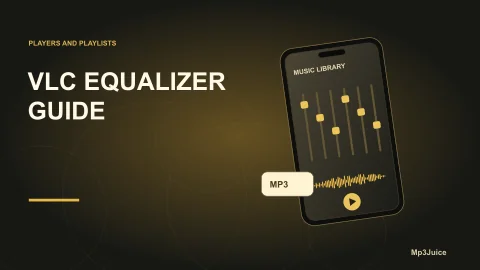
Learn how to adjust the VLC Media Player 10-band equalizer for Windows and enhance your local music playback with non-destructive, flexible sound tweaks.
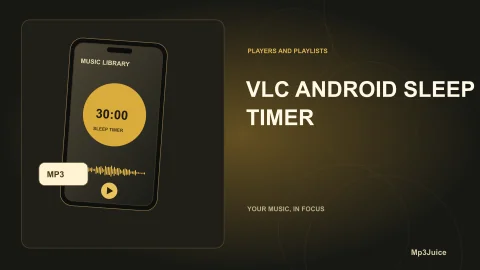
Learn how to set and test a sleep timer in VLC for Android 3.5 to stop music playback automatically. Includes troubleshooting, tips, and comparisons.