Original Release Dates and Reissue Dates in Music Tags
At a glance
Preserving both the original and edition release dates in music tags keeps your collection historically accurate and well organized. Learn which tag fields to use, how major editors handle them, why not to overwrite one with the other, and how precise date tagging improves music sorting, inventory, and contextual playback in any size digital library.
In this guide
Why separate original and edition dates?
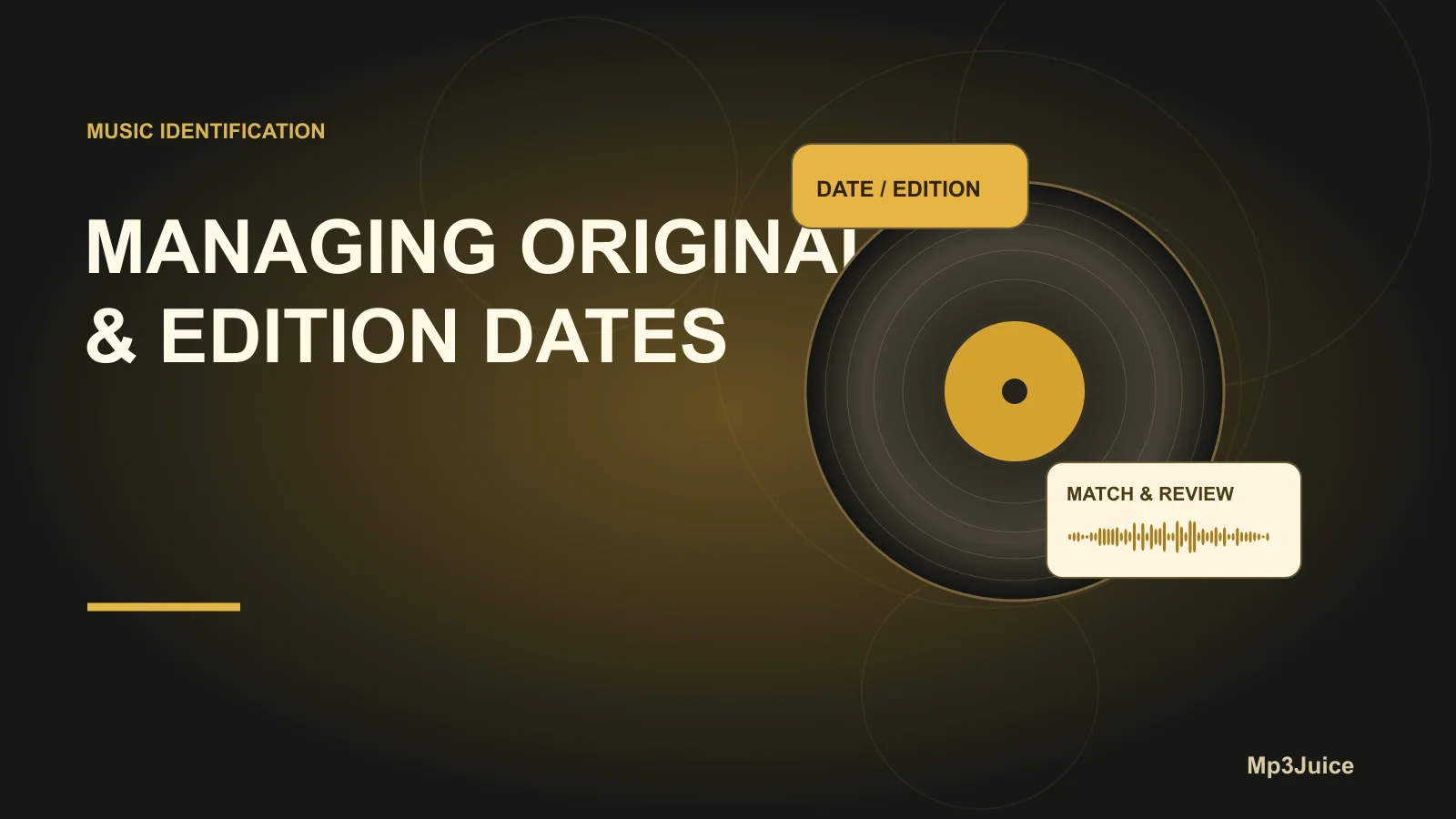
When managing a digital music library, accurately reflecting the historical context of each track and album enhances both personal enjoyment and practical organization. A single album or track may appear in your collection as a 2015 release, even though it was originally published decades earlier. This is common because reissues, remasters, and digital releases assign their contemporary edition date to files, instead of the recording’s actual debut date. Maintaining both the original release date and your specific edition’s date is essential for clear sorting, organization, and appreciation of your music’s history.
Understanding core tag fields
Industry-standard music taggers and database tools, such as MusicBrainz Picard, distinguish date metadata into two principal fields:
- originaldate: Reflects the first commercial release date of a track or album, no matter the format.
- date: Indicates the release date for the particular edition, remaster, or region-specific version that you own.
Both fields conform to the YYYY-MM-DD format when the full date is known. For instance, an album pressed in 1971 and reissued in 2004 will retain 1971 as originaldate, but the date will reflect 2004 if that is your copy’s release year.
What each date tells you
- date: Answers “When did this version arrive?”—crucial for distinguishing between reissues or remasters in your collection.
- originaldate: Answers “When did the work debut?”—vital for understanding the music’s place in history, independent of later re-releases.
Do not swap or conflate these fields. The edition date does not denote the original recording’s release and can cause confusion if entered incorrectly—particularly for catalogs featuring multiple reissues or formats.
Step-by-step: Preserving both dates
- Research both dates: Use reputable sources to determine both the original release date of the album or song, and the release date of your specific edition. Album catalog numbers or barcodes can help you pinpoint editions.
- Apply tags in your editor: Utilize a tag editor that supports multiple date fields, such as Picard or Mp3Tag. Fill in:
date = [your edition’s release date]
originaldate = [first release date of album or track]
- By default in Picard,
originaldateis filled using the initial release group’s date, matching the oldest release listed.
- By default in Picard,
- Confirm tag compatibility: Not all formats store metadata the same way. For example, ID3v2.3 tags in MP3s may only capture the year for
originaldate, while FLAC or OGG files can hold complete dates. Always verify that both fields appear in your file type’s properties after saving. - Test with a subset: Update a small batch and use a tag reader or media player to verify that
dateandoriginaldateload and display as expected for your software setup. - Leverage library sorting: Once confirmed, you can sort, filter, or search by either field within your library software—enabling you to trace your collection by decade, original era, or chronological acquisition.
Practical example: Edition vs. original date
Suppose your library contains Miles Davis’ iconic "Kind of Blue," and you own the 1997 Sony remastered CD, while the album originally came out in 1959.
date = 1997-01-14(the remaster’s release date)originaldate = 1959-08-17(date of the first release)
Sorting by date shows when this mastering appeared; sorting by originaldate contextualizes the music by its historic debut. If you add additional reissues, their date tags will reflect their own release years but originaldate remains constant, preserving historical continuity throughout your catalog.
Dealing with missing or conflicting dates
Some tracks or albums lack reliable date information, particularly with unofficial, older, or self-created rips. When this happens:
- Cross-reference multiple trusted databases for the correct dates.
- If the original release date is uncertain, note the best available approximation, and document your source or the uncertainty in a custom field.
- Avoid guessing or overwriting
originaldatewith modern edition dates. If in doubt, leave the field empty until verified. - Consider workflows using MusicBrainz Picard, which will populate
dateandoriginaldateautomatically from its database distinctions. For details, see our Picard lookup vs. scan guide.
Common pitfalls and verification
- Relying solely on
daterisks losing context, especially when media players or taggers default to current edition years. This can distort artist timelines or collection overviews. originaldateshould never be overwritten with remaster or edition dates; each field serves a unique, non-interchangeable role.- If your media software does not display both fields, you might resort to custom file naming or visible columns mapped to these tags.
- When batch-editing, apply changes to small test groups first and verify output before sweeping through your full library.
- Albums comprising archival compilations or mixes may require per-track original dates, as recording eras can differ significantly from the release.
To explore further metadata strategies, review what the ISRC code reveals about recordings.
Next steps for better library organization
For a well-structured music library, rigorously distinguish the historical originaldate from the immediate date of your particular edition. Perform periodic audits with supported software, using guidelines above as a checklist. Over time, this method allows for smarter sorting by era, accurate tracking of reissue trends, and a more informative music inventory. Develop consistent habits now to future-proof your digital collection, keeping musical legacy and your listening experience intact.